In this articleTap to open
You have probably been told to use a "strong password" a hundred times. You have probably also been told to use a passphrase. Both sound right, and the advice seems to pull in opposite directions: one says add symbols, the other says use plain words.
Here is the plain answer. Either one can be very strong, and either one can be useless. What decides it is whether the secret is long, random and used on one account only. The rest of this post shows you how to pick, with real numbers instead of rules of thumb.
What is the difference?
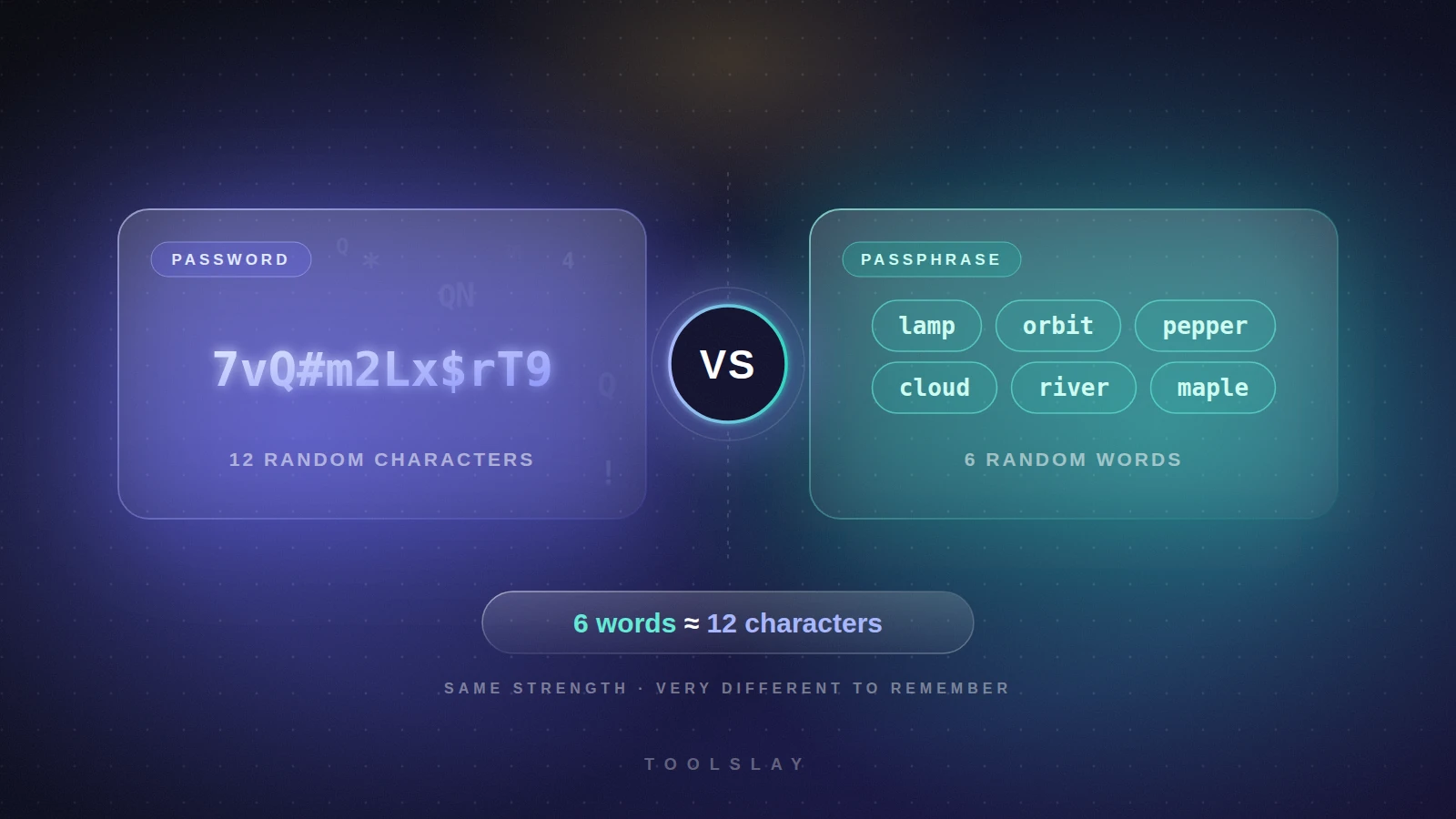
A password is a string of characters, such as 7vQ#m2Lx$rT9. A passphrase is a few words joined together, such as lamp-orbit-pepper-cloud-river. Both are just secrets that a website checks. The only real difference is how you build them and what they are like to live with.
Password
- Short, dense string of mixed characters
- Almost impossible to memorize
- Fits sites with tight length limits
- Hard to type correctly on a phone
Passphrase
- Several random words
- Easy to read aloud, remember and type
- Needs more characters for the same strength
- Some sites cap the length
How strong is each one, really?
Security people measure strength in bits of entropy. Every extra bit doubles the number of guesses an attacker needs, so small differences add up fast. The maths is simple when the secret is truly random:
- Each random character from the 94 printable keyboard symbols adds about 6.55 bits.
- Each random word from a 7,776-word list adds about 12.9 bits.
That is why a handful of words holds up so well. One word is worth about two characters.
Bits are hard to picture, so here is what they mean in time. The table assumes an attacker who stole a site's password database and can try 10 billion guesses per second against a fast hash, and who finds your secret after trying half the possibilities on average. Sites that store passwords with slow hashes such as bcrypt or Argon2 are much tougher, but you never know which kind a site uses, so plan for the bad case.
| Secret | Bits | Average time to crack |
|---|---|---|
| 8 random characters | 52 | about 3.5 days |
| 10 random characters | 65 | about 85 years |
| 12 random characters | 79 | about 750,000 years |
| 4 random words | 52 | about 2 days |
| 5 random words | 65 | about 45 years |
| 6 random words | 78 | about 350,000 years |
| 7 random words | 91 | billions of years |
Look at the 4-word row. Four words feels long and safe, yet it falls in days against this attacker. Five is the floor and six is the comfortable choice. If you are protecting something that matters for a decade, use seven.
Side by side
| Feature | Password | Passphrase |
|---|---|---|
| Easy to remember | ✗ | ✓ |
| Easy to type on a phone | ✗ | ✓ |
| Fits strict length limits | ✓ | ✗ |
| Works well in a password manager | ✓ | ✓ |
| Strong when random and long enough | ✓ | ✓ |
- Easy to remember and say aloud
- Fewer typing mistakes
- Strong without odd symbols
- Easy to enter on a TV or phone
- Longer to type than a short password
- Some sites cap length at 16 or 20
- Weak if you pick the words yourself
- Needs five or six words to be safe
Why picking the words yourself fails
The strength numbers above assume the words were chosen by chance. People are bad at chance. We pick song lyrics, film quotes, pet names, places we love and phrases that mean something. Attackers know this, and their guessing tools try common phrases and quotes long before random combinations.
The same goes for adding tricks. Changing a to @ or adding 1 at the end barely helps, because attackers' tools already try those swaps. If a site demands a number or symbol, add one at the end, but do not count on it to save a weak secret. A sixth word is worth far more than a symbol.
What about passwords on sites that cap the length?
Some sites still stop you at 12 or 16 characters, or insist on a symbol. In that case a passphrase will not fit and a random password is the better tool. Generate a 16-character one if the site allows it, or 12 at the very least. The point is to match the secret to the job.
Which one should you use?
- Let a password manager handle most accounts. It creates a long random password for every site, so you never have to remember them.
- Use a passphrase for the few you must type yourself. Your manager's master password, your phone or laptop login and your email recovery are good fits.
- Make it long enough. Six random words, or 16 random characters, is a safe target for important accounts.
- Never reuse it. One breach should not open a second door.
- Turn on two-factor authentication. A strong secret still helps less if someone tricks you into typing it on a fake login page.
If you want a passphrase to start from, the generator below picks words from the EFF long word list (7,776 words) with your browser's secure random number generator, and shows the exact entropy of what it makes. Nothing is sent to a server.
Free tool
Passphrase Generator
Generate memorable, secure passphrases using Diceware style word lists.
Need a random password instead, for a site with strict rules?
Free tool
Secure Password Generator
Generate strong, random passwords and check their strength with an entropy meter.
Already have a password you use? Paste it into the checker to see how it holds up.
Free tool
Password Strength Checker
Check how strong a password is and roughly how long it would take to crack.
What official guidance says
The US standards body NIST publishes the digital identity guidelines that many companies follow. Its latest guidance, NIST SP 800-63B, says a password used on its own should be at least 15 characters long, and sites should allow at least 64. It also tells sites not to force odd composition rules like "one capital and one symbol", and not to force routine password changes. The message matches this post: length wins, and rules that push people toward predictable tricks do not help.
Want the full picture on length? Read the next post:
Read next · Security
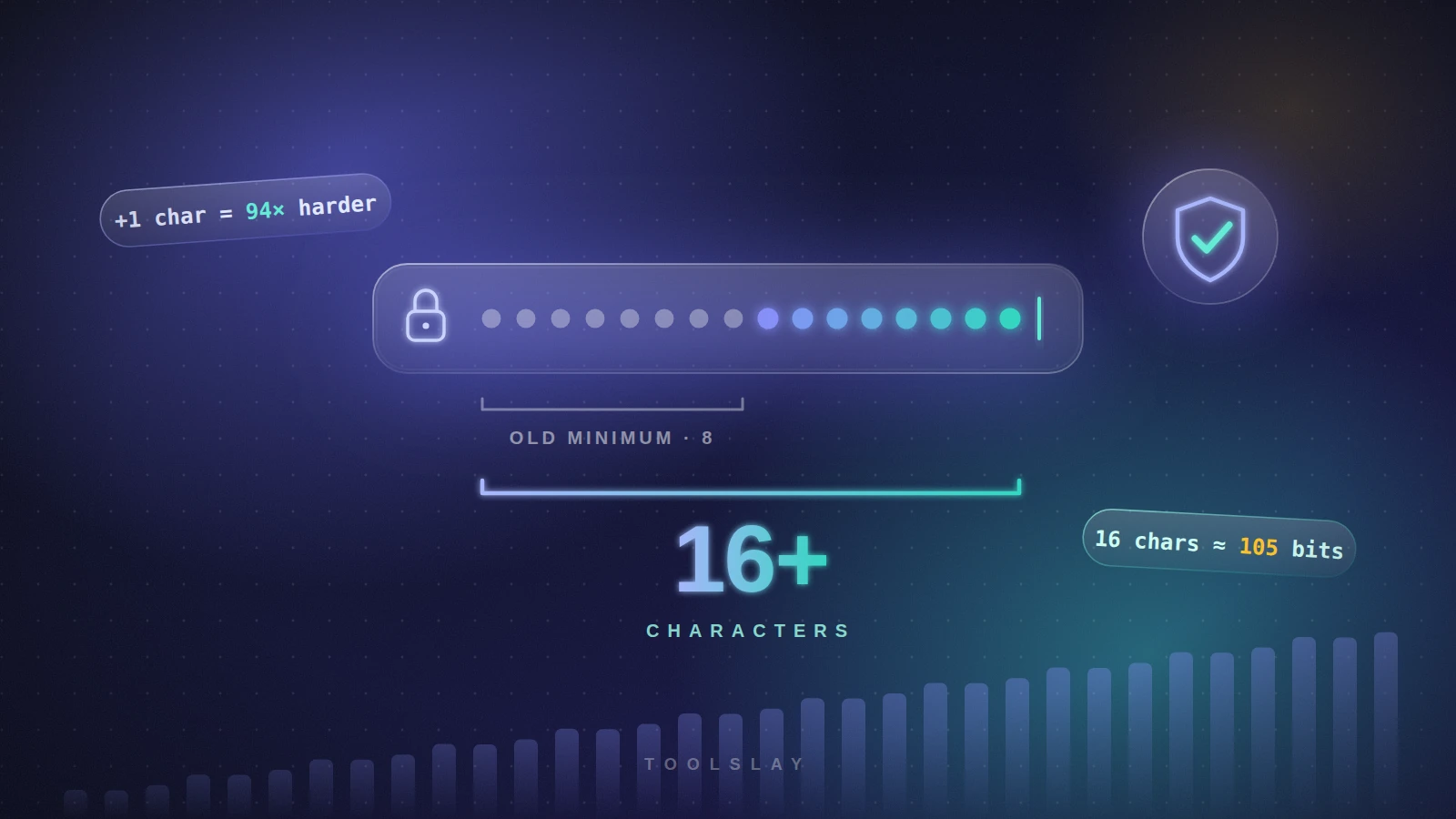
How Long Should a Password Be? A Simple Rule
How long should a password be? A simple length guide by account type, the maths behind it, crack times and what NIST says today.
Read articleCommon questions
Is a passphrase safer than a password?
It can be, if it is long and random. A passphrase of six random words is far easier to remember and type than a random password of similar strength. A passphrase of only two or three words, or one made of a quote you chose, is weak.
How many words should a passphrase have?
Use at least five random words, and six for accounts that matter. Five words from a 7,776-word list is about 65 bits, six is about 78 bits. Use more words if the list you draw from is smaller.
Do numbers and symbols make a passphrase stronger?
A little. A random 3-digit number adds about 10 bits and one random symbol about 3 bits, while one extra word adds almost 13. Add a number or symbol only when a site asks for it, and prefer another word when you can.
Should I change my passwords regularly?
No, not on a schedule. NIST's current guidance says sites should not force routine changes, because it pushes people toward weaker, predictable passwords. Change a password when you suspect it was exposed, or when a site tells you about a breach, and never reuse it anywhere else.
Is it safe to type a passphrase into an online generator?
Only use one that runs in your browser. The Toolslay passphrase generator makes the phrase on your device using the Web Crypto API and does not send it anywhere. Even so, treat any generated secret as new: copy it straight into your password manager and do not reuse a sample you saw on a web page.
Try it now
Passphrase Generator
Generate memorable, secure passphrases using Diceware style word lists.