The Toolslay Blog
Guides and tips for getting more from free tools
Practical how-tos, comparisons, and quick answers. Each guide links to the tool that does the job, so you can read, then try it right away.
 Featured
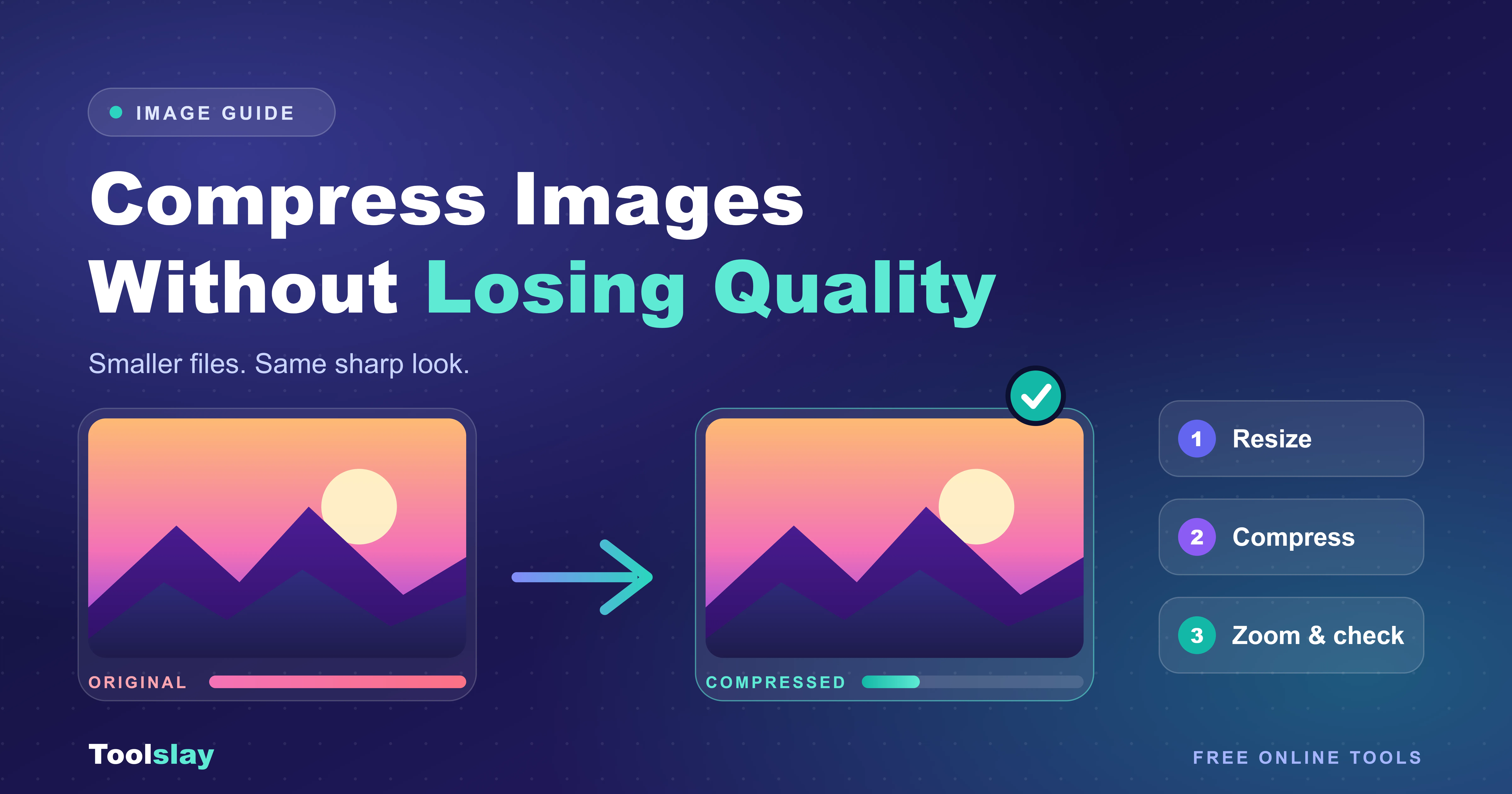
How to Compress Images Without Losing Quality
Big images slow your site and fail to upload. Here's how to compress images without losing quality, and why most people get the order of steps wrong.
Read the guide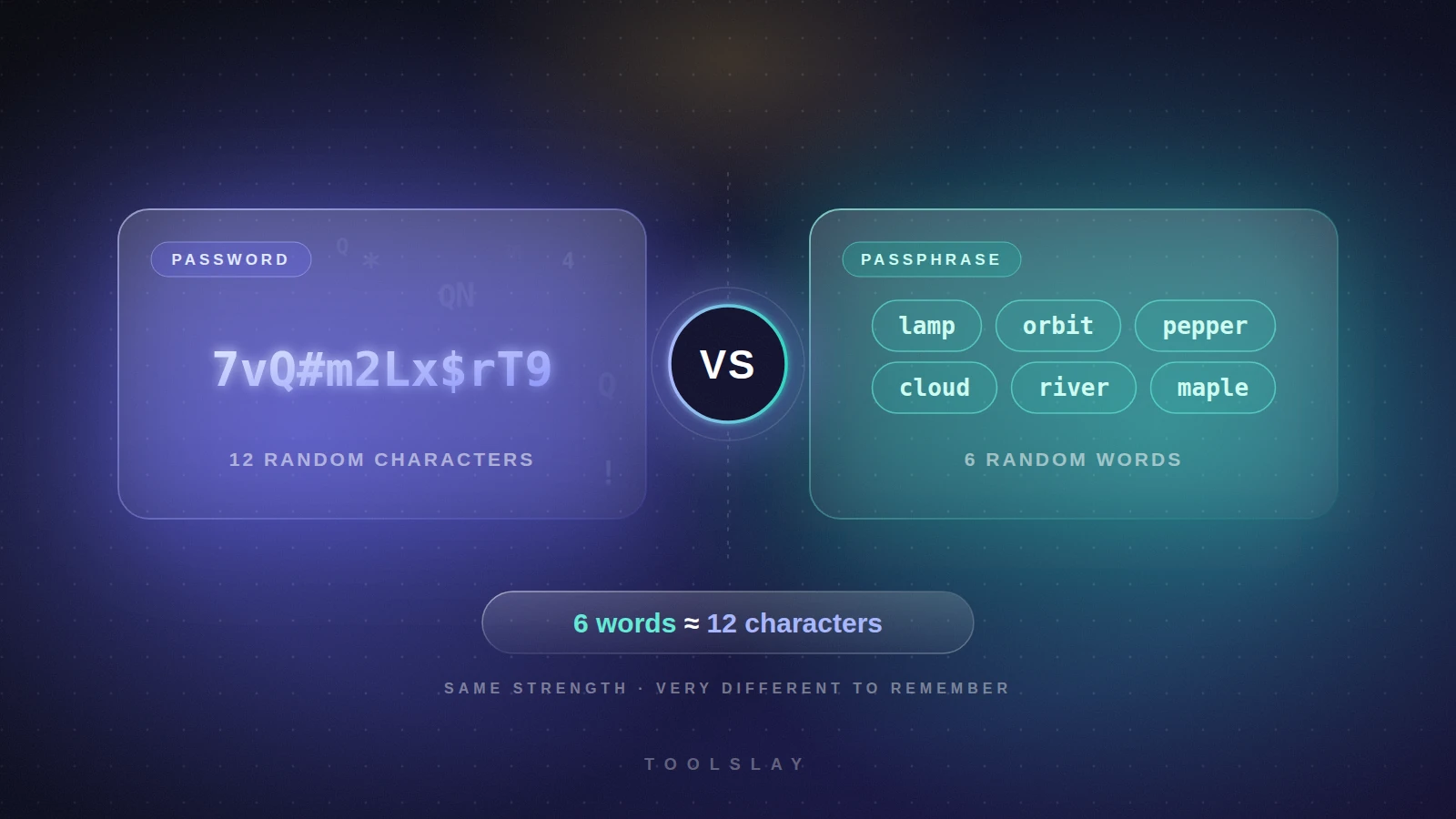
Password vs Passphrase: Which Is Safer?
Password or passphrase? See real strength numbers and crack times, learn when each one wins, and pick the right secret for each account.
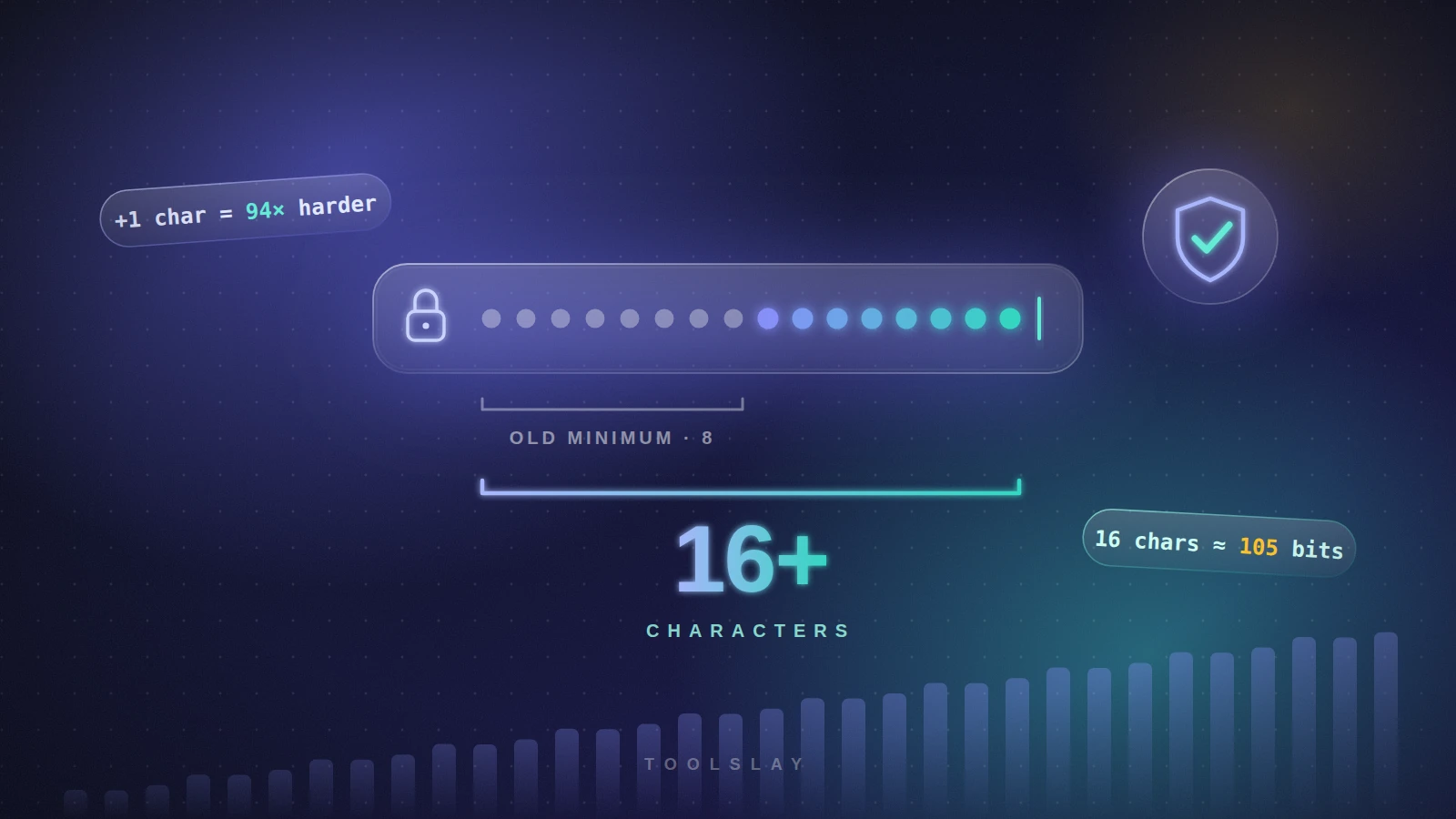
How Long Should a Password Be? A Simple Rule
How long should a password be? A simple length guide by account type, the maths behind it, crack times and what NIST says today.
About
About the Toolslay Blog
The Toolslay blog explains how to finish everyday jobs faster. We write about passwords, PDFs, images, calculators, text, and developer chores, the same topics our free tools cover. Each article answers one clear question, then points you to the tool that does the work, so you can read a short guide and try it straight away.
We start from what people actually search for. A guide might compare a password with a passphrase, show how long a password should be, or explain how to shrink a file before you email it. We keep the steps short, give real numbers where they help, and skip the filler that makes a how-to hard to follow.
Tools sit at the center of every post. When an article mentions a task such as compressing an image or counting words, it links to the matching tool, and you can open it in the next tab. That link saves you a search, and it shows you how the tool behaves before you rely on it.
Use the category tabs at the top to narrow the list to one topic, or stay on All to see the newest posts first. The tool categories below the articles give you another way in. Pick one, see every tool inside it, and find the right fit for the job on your desk today.
We build the blog for beginners and busy people. You will not need a technical background to follow a guide, and you will not need to create an account to read one. If a topic is missing, send us a note through the contact page and we will add it to our writing list.
Free tools
Explore tools by category
200+ free tools in 9 categories. Pick a category to see every tool inside it.
Image & PDF Tools
Convert PDF to JPG, compress and resize images, add watermarks, and extract text from PDFs and photos with 16 free image and PDF tools.
16 toolsVideo & Audio Tools
Compress video files, turn clips into GIFs, trim MP3 and WAV audio, and record your screen with four free video and audio tools that run in your browser.
4 toolsText & Writing Tools
Count words and characters, convert text case, compare drafts, generate fancy text and bios, and clean messy text with 23 free online writing tools.
23 toolsDeveloper Tools
Format and validate JSON, test regex, decode JWTs, generate hashes and UUIDs, and convert CSV, YAML, and Base64 with 34 free online developer tools.
34 toolsCalculators & Converters
Free calculators for loans, mortgages, salary, BMI, and interest, plus unit and currency converters. Get accurate results from 45 online tools.
45 toolsGenerators & Random Tools
Generate secure passwords, QR codes, names, and random picks, or test typing speed and reaction time with 25 free online generators and random tools.
25 toolsDesign & Color Tools
Pick colors from images, convert HEX to RGB, build color palettes, and find color names with four free design and color tools for designers and developers.
4 toolsSEO & Marketing Tools
Build UTM links, preview Open Graph cards, check keyword density, test meta description length, and split X threads with five free SEO and marketing tools.
5 toolsLife & Everyday Tools
Check if a food is safe for your dog, scale recipes, estimate a due date, plan a trip, and budget a wedding with 44 free everyday calculators and planners.
44 toolsPopular tools
FAQ
Frequently asked questions
What does the Toolslay blog cover?
The blog covers practical topics around our free tools, including passwords and security, PDF and image tasks, calculators, text and writing, and developer utilities. Each post answers a specific question in plain language and links to the tool that helps you finish the task.
Do I need an account to read the articles?
No. Every article is open to read without signing up or logging in. You can also use the linked tools straight from the post, so you can go from reading a guide to using the tool in a couple of clicks.
How do the blog posts relate to the tools?
Each guide centers on a job that one of our tools can do. The post explains the idea, shows the steps, and links to the tool, so you can follow along with your own file, text, or numbers instead of only reading about it.
How do I find posts about one topic?
Use the category tabs above the post list. Click a tab and the page shows only the articles in that category, and the All tab brings the full list back. The newest article appears first, so fresh guides are easy to spot.
How often do you publish new guides?
We add new posts as we finish them and we update older ones when the advice changes. Check the date on each card to see when a guide went up. Bookmark the blog page if you want to come back and see what is new.
Can I suggest a topic or a new tool?
Yes. Use the contact page to tell us what you want to learn or which tool you wish existed. We read every message, and requests that many readers share move to the top of our writing and building list.
Are the guides written for beginners?
Yes. We explain terms the first time they appear, use short steps, and give examples with real numbers. Where a topic gets technical, such as hashing or regular expressions, we keep the explanation simple and link to the tool so you can test it yourself.
Where can I find all the free tools?
Scroll below the articles to see every tool category with its tool count, or open the All Tools page from the menu. Each category page lists its tools, explains what they do, and answers common questions about using them.