200+ free online tools. Nothing to install, no sign-up.
PDF, image, text, developer and calculator tools across 9 categories. Most run right in your browser. Convert, compress, calculate and generate without creating an account or installing anything.
Try "word counter", "bmi", "json formatter"...Browse
Find tools by category
200+ free tools sorted into 9 categories, so you spend less time searching and more time getting the job done.
Image & PDF Tools
Convert PDF to JPG, compress and resize images, add watermarks, and extract text from PDFs and photos with 16 free image and PDF tools.
Video & Audio Tools
Compress video files, turn clips into GIFs, trim MP3 and WAV audio, and record your screen with four free video and audio tools that run in your browser.
Text & Writing Tools
Count words and characters, convert text case, compare drafts, generate fancy text and bios, and clean messy text with 23 free online writing tools.
Developer Tools
Format and validate JSON, test regex, decode JWTs, generate hashes and UUIDs, and convert CSV, YAML, and Base64 with 34 free online developer tools.
Calculators & Converters
Free calculators for loans, mortgages, salary, BMI, and interest, plus unit and currency converters. Get accurate results from 45 online tools.
Generators & Random Tools
Generate secure passwords, QR codes, names, and random picks, or test typing speed and reaction time with 25 free online generators and random tools.
Design & Color Tools
Pick colors from images, convert HEX to RGB, build color palettes, and find color names with four free design and color tools for designers and developers.
SEO & Marketing Tools
Build UTM links, preview Open Graph cards, check keyword density, test meta description length, and split X threads with five free SEO and marketing tools.
Life & Everyday Tools
Check if a food is safe for your dog, scale recipes, estimate a due date, plan a trip, and budget a wedding with 44 free everyday calculators and planners.
Popular
Most-used tools right now
Start with the tools people reach for most, or browse the full library.
PDF to Image Converter
Convert PDF pages to JPG or PNG images and download them in seconds, no account needed.
Open toolImage Compressor
Compress images with lossy or lossless settings and shrink a whole batch in one go.
Open toolImage to Text (OCR)
Extract text from any image with OCR that runs on your device, then copy the result.
Open toolWord Counter
Count words, characters and paragraphs, and see how long your text takes to read.
Open toolJSON Formatter & Validator
Format, minify and validate JSON with syntax highlighting and clear error messages.
Open toolBMI Calculator
Calculate your BMI and see which healthy weight range you fall in.
Open toolSecure Password Generator
Generate strong, random passwords and check their strength with an entropy meter.
Open toolQR Code Generator
Create custom QR codes with your logo, colors and several data types.
Open toolWhy Toolslay
Built to be fast, private and free
What actually makes a browser-based tool different from the average online converter that makes you upload a file and wait.
Your input stays with you
Most tools run as JavaScript in your own browser tab. A PDF, photo or line of code you work with in those tools is not uploaded to or stored on our servers. A few tools use an outside service for live data, and their pages say so.
No waiting on uploads
Most tools skip the round-trip to a server, so results show up as you type or drop a file in. No progress bar, no upload queue, no spinner before the real work even starts.
No sign-up, no paywall
Every one of the 200+ tools is free with no usage cap and no watermark on your result. Open a tool and use it straight away. No account, no credit card, no catch.
New tools added regularly
The library grows based on what people actually search for and ask about. If a specific calculator or converter isn't here yet, it's worth checking back in a few weeks.
FAQ
Common questions
Straight answers about how Toolslay's free online tools actually work.
Are Toolslay's tools really free?
Yes, completely. Every one of the 200+ tools is free with no usage limits, no watermark on your results and no account required to get started.
Do I need to install anything to use Toolslay?
No. Every tool runs directly in your web browser as JavaScript, so there's nothing to download, nothing to install, and nothing to keep updated later.
Is it safe to use these tools with private files or sensitive data?
For most tools, yes. They process files, text and images in your browser, so your input does not reach our servers. A few tools call an outside service for specific data, such as exchange rates, weather or a VIN lookup, and each of those tool pages says so. Check the tool's page before you enter anything sensitive.
Why doesn't Toolslay ask me to sign up or create an account?
Because none of the tools need one. There's nothing to save to an account and no reason to collect your email just to let you convert a file.
Can I use Toolslay on my phone?
Yes, every tool works on mobile browsers as well as desktop. There's no separate app to download, and a tool behaves the same way on a phone as it does on a laptop.
What kinds of tools does Toolslay offer?
Nine categories: PDF and image editing, video and audio, text and writing, developer utilities, calculators and converters, password and QR code generators, color and design tools, SEO checks, and everyday planners for pets, travel and home.
How is Toolslay different from other online converter sites?
Most converter sites upload your file to a server, process it there, and send the result back. For most tools, Toolslay runs the work in your browser instead, so there's no upload step, no waiting on a queue, and nothing of yours sitting on someone else's server afterward.
How often are new tools added?
Regularly, based on what people actually search for and ask about. Check the All Tools page any time for the current full list.
From the blog
Guides to get more out of your tools
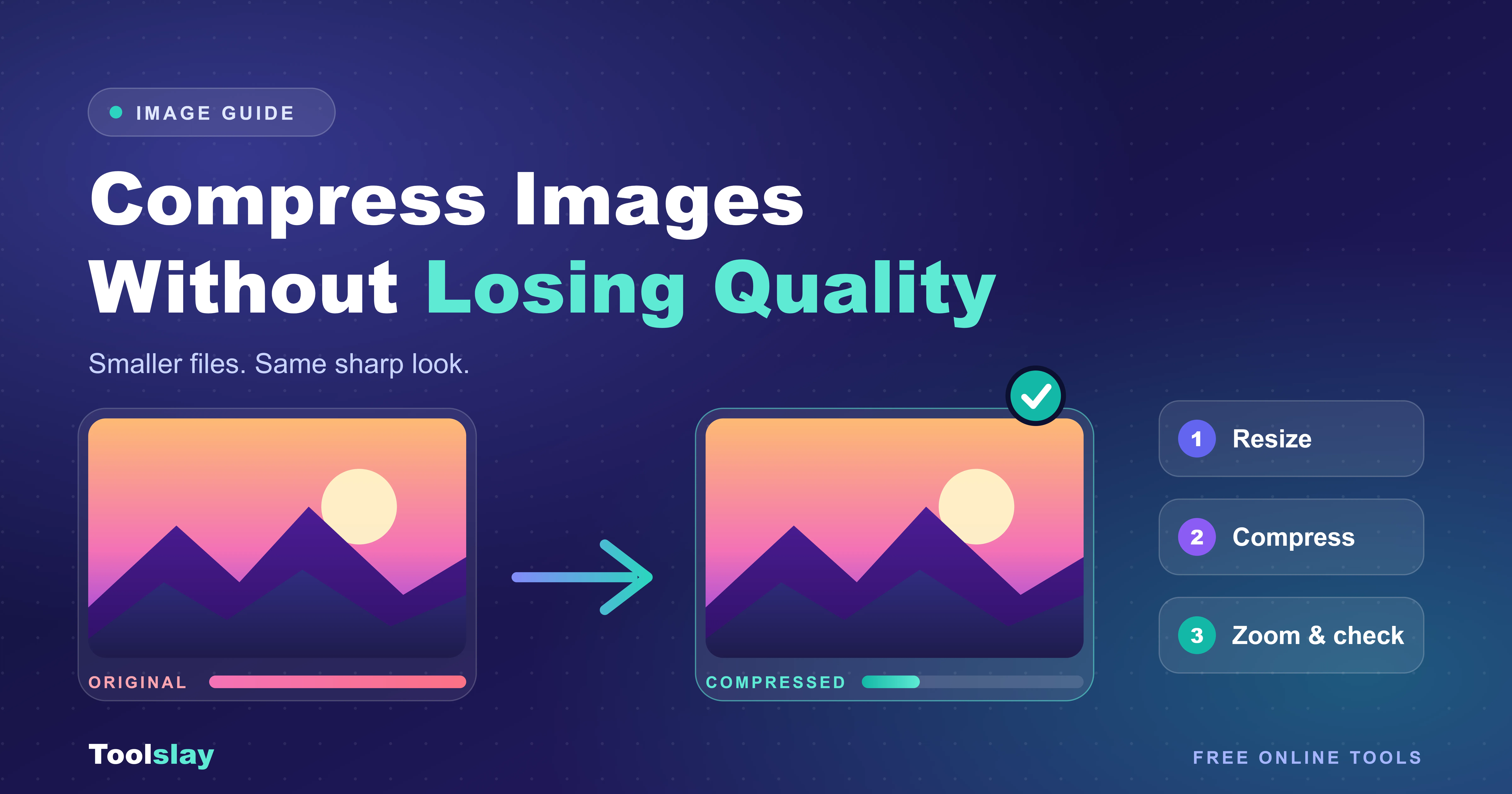
How to Compress Images Without Losing Quality
Big images slow your site and fail to upload. Here's how to compress images without losing quality, and why most people get the order of steps wrong.
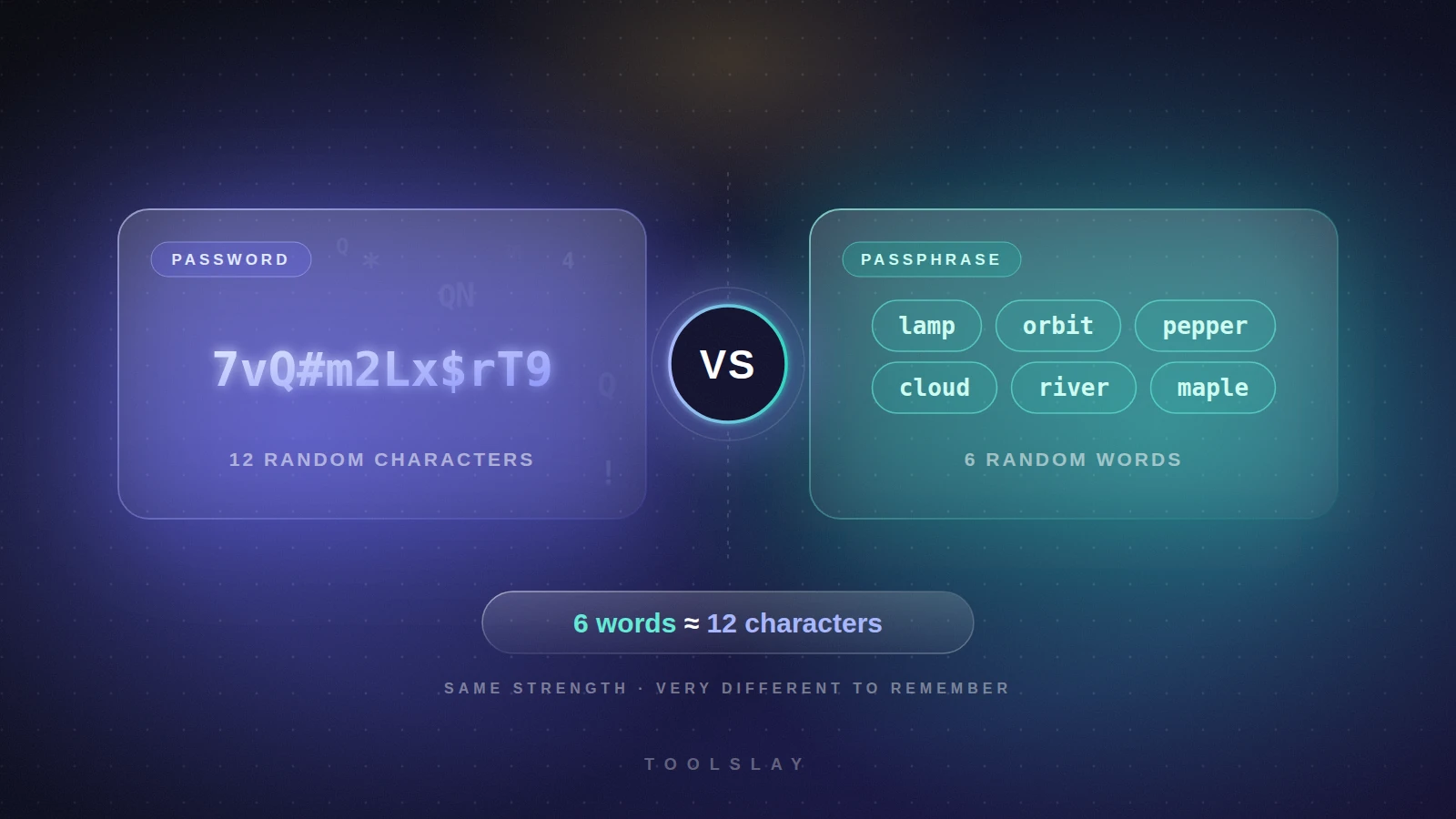
Password vs Passphrase: Which Is Safer?
Password or passphrase? See real strength numbers and crack times, learn when each one wins, and pick the right secret for each account.
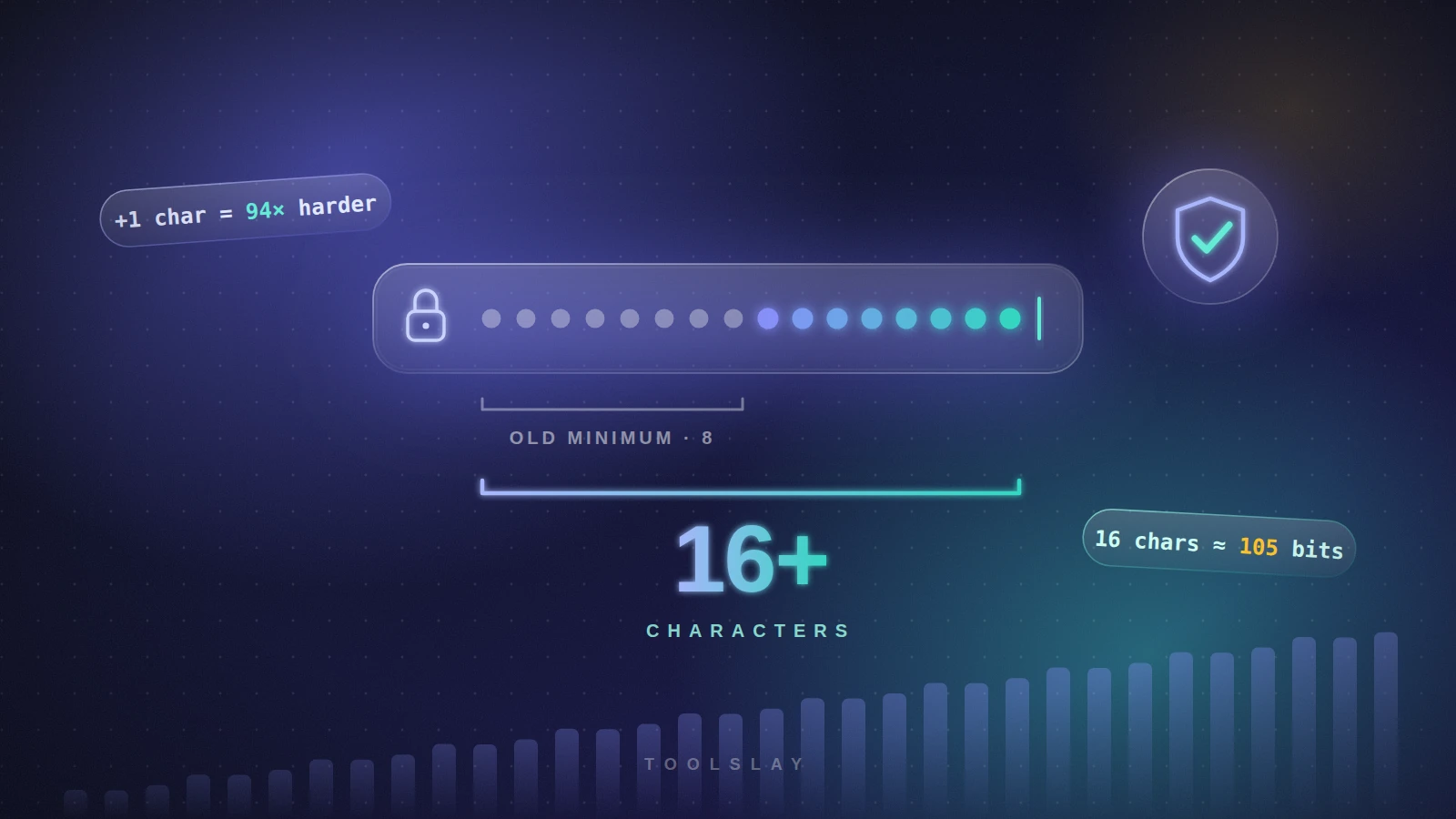
How Long Should a Password Be? A Simple Rule
How long should a password be? A simple length guide by account type, the maths behind it, crack times and what NIST says today.